---
title: "Work in the IDE beside your agents"
sidebarTitle: "IDE workflow"
description: "The operator's editing loop: language intelligence, workspace search, and git-aware editing without leaving the workspace."
---
Agents write most of the code; the operator inspects, verifies, and
occasionally fixes. Desk's editor is built for that loop — it lives one rail
click from the terminals and shares its language servers with the agents.
## Inspect what an agent wrote
Open the file the agent mentioned (channel file links open it directly, or
`Ctrl+P` fuzzy-finds it). The explorer is git-aware — modified files carry
badges, changed directories show dots, and the gutter marks exactly which
lines differ from HEAD.
Language intelligence is live as you read:
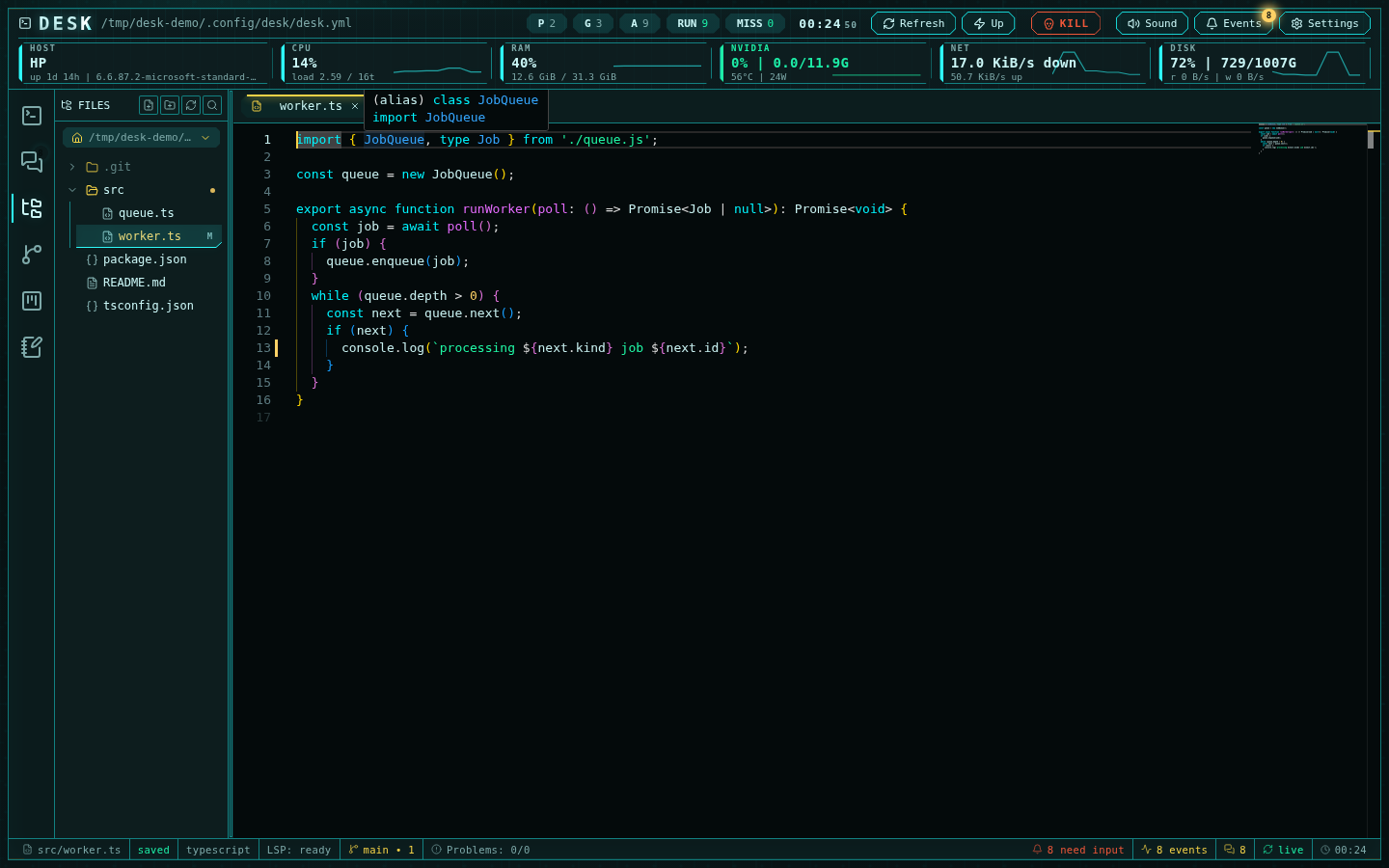 Hover types, jump to definitions and references, and watch the Problems panel
aggregate diagnostics for your open files. The status bar tracks the language
server lifecycle — warming, indexing with progress, ready — and the same
server instance answers your agents' MCP queries, so you and the agents see
one consistent view of the project.
## Find anything
The search panel runs filename and ripgrep-backed content search across the
workspace root, opening results at the matching line:
Hover types, jump to definitions and references, and watch the Problems panel
aggregate diagnostics for your open files. The status bar tracks the language
server lifecycle — warming, indexing with progress, ready — and the same
server instance answers your agents' MCP queries, so you and the agents see
one consistent view of the project.
## Find anything
The search panel runs filename and ripgrep-backed content search across the
workspace root, opening results at the matching line:
 ## Edit safely while agents run
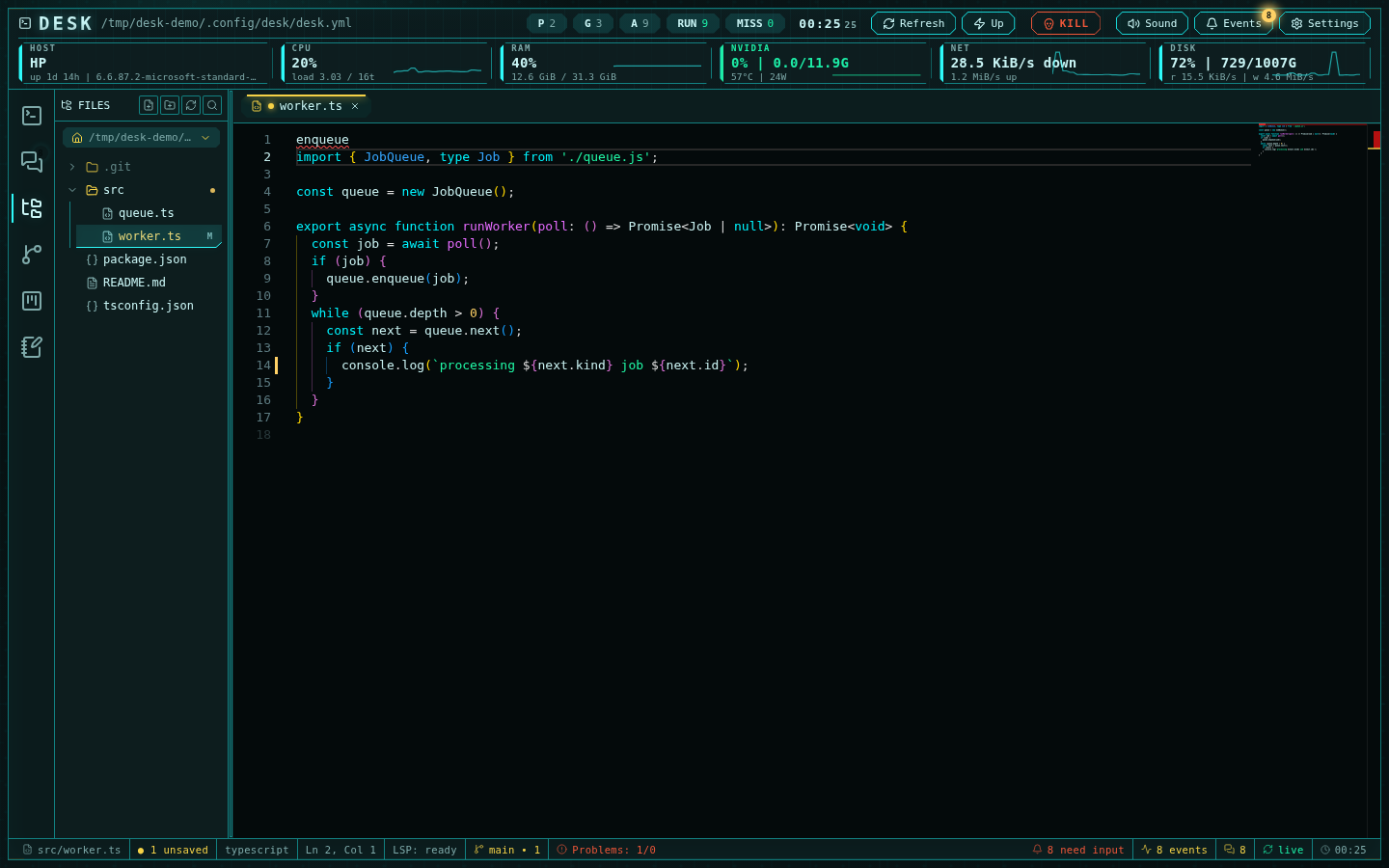
Saving is mtime-guarded: if an agent (or anything else) changed the file on
disk since you opened it, a conflict banner offers reload or keep-mine —
nothing is silently overwritten in either direction. Autosave modes
(off / after-delay / on-focus-change) are strictly weaker than manual save
and never write over a conflict.
Renaming a file with language servers running becomes a **transactional
refactor**: Desk previews which references the server would update, shows
every affected file, and applies the whole edit server-side as one unit with
rollback.
## Close the loop with git and notes
- The file context menu stages, unstages, discards, opens the diff, and shows
per-file history — and "Open diff" lands in the
[source-control rail](/guide-git-review).
- Select output in any terminal and **Create note** captures it into the
notes subsystem, auto-named from its content — hypotheses and evidence
stay attached to the workspace.
The full feature reference is in [IDE and LSP](/ide-and-lsp).
## Edit safely while agents run
Saving is mtime-guarded: if an agent (or anything else) changed the file on
disk since you opened it, a conflict banner offers reload or keep-mine —
nothing is silently overwritten in either direction. Autosave modes
(off / after-delay / on-focus-change) are strictly weaker than manual save
and never write over a conflict.
Renaming a file with language servers running becomes a **transactional
refactor**: Desk previews which references the server would update, shows
every affected file, and applies the whole edit server-side as one unit with
rollback.
## Close the loop with git and notes
- The file context menu stages, unstages, discards, opens the diff, and shows
per-file history — and "Open diff" lands in the
[source-control rail](/guide-git-review).
- Select output in any terminal and **Create note** captures it into the
notes subsystem, auto-named from its content — hypotheses and evidence
stay attached to the workspace.
The full feature reference is in [IDE and LSP](/ide-and-lsp).