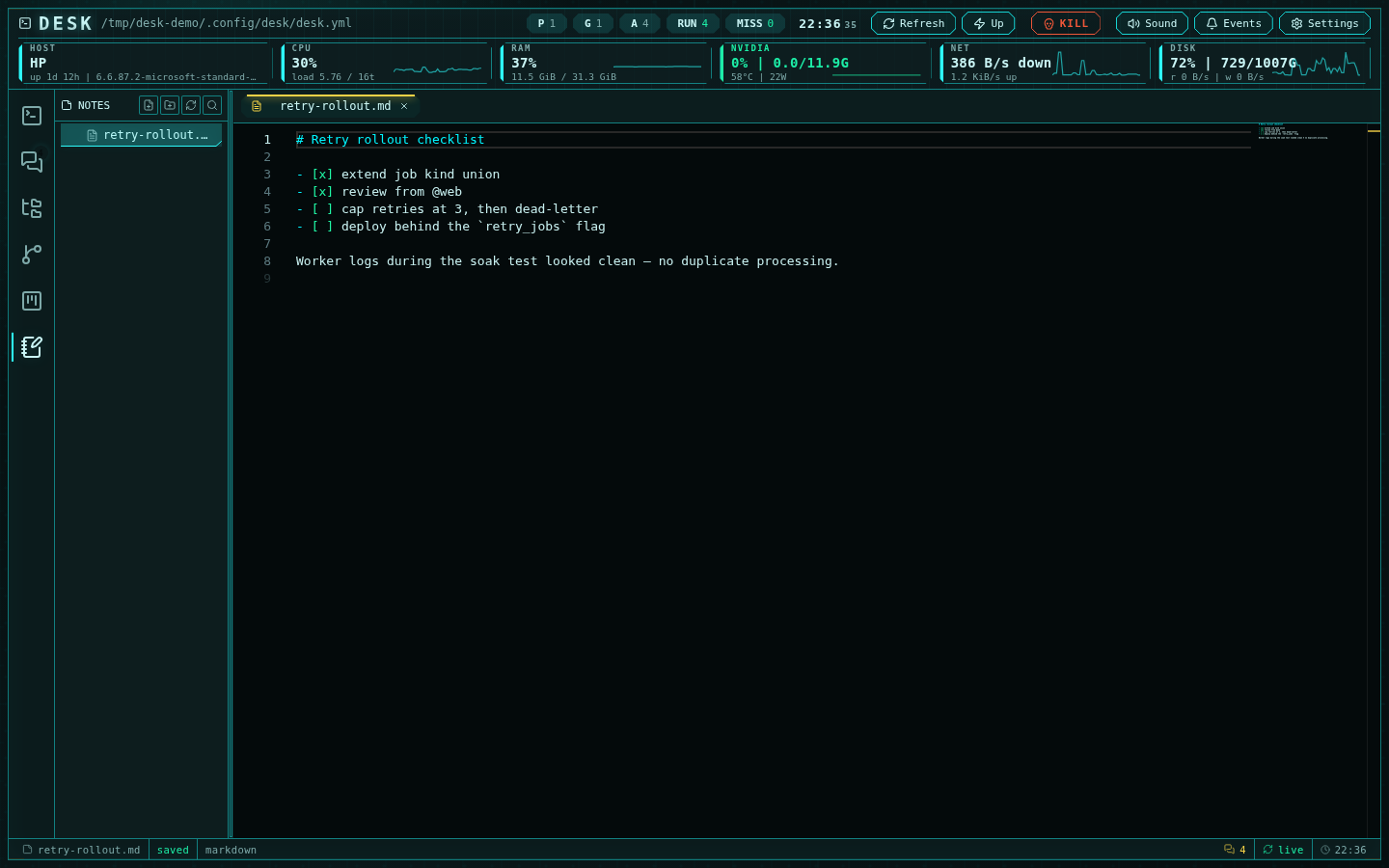
A markdown note in the notes subsystem with autosave
Storage
Notes live under a fixed home:Note explorer
The notes subsystem reuses the editor’s explorer, pinned to the notes home (there is no root picker): create, rename, delete, folders, and drag-and-drop organization all work the same way. Open tabs and the active note persist across restarts. New notes name themselves: an untitled note is renamed on save from its first content line — markdown markers stripped, filesystem-hostile characters removed — with automatic-2, -3 deduplication.
Editing
Notes open in one of three views, switchable from the toolbar every markdown tab shows at its top right, from the tab’s context menu, or withCtrl/Cmd+Shift+E (editor ⇄ source): the read-only preview (GitHub-flavored
tables, KaTeX math, Mermaid diagrams and highlighted code, tracking unsaved
edits live), which is where a note opens by default; editor, a Notion-style
WYSIWYG markdown editor with a slash menu, block handles, tables, task lists,
code blocks and LaTeX; and source (Monaco). The same toolbar zooms the
text in steps of ten percent, and Ctrl/Cmd + wheel over the source view
moves the same number; the zoom sizes the markdown file it belongs to and
leaves every other tab alone. It is remembered by the browser and shared with
markdown files in the Files editor. The
editor writes markdown back into the same buffer, so autosave, the
mtime-guarded save and the conflict banner behave exactly as in source view.
Every keystroke reaches the buffer immediately, so an external change to
the file while you type raises the usual conflict banner instead of
silently overwriting either side; while the note is clean, an external
change reloads into the editor at once. The first edit re-serialises the
note in the editor’s own style (_ inside words gets escaped, ordered
lists are renumbered, tables are re-padded), so the diff after that first
keystroke can be larger than the keystroke itself; list markers and rules
are kept as -. Blank lines between blocks survive, but an empty paragraph
by itself is not preserved on save, as in any markdown editor.
The toggle in the notes sidebar header sets the default view for notes you
open from then on, cycling preview → editor → source. The choice is
remembered by the browser.
Before the editor takes over, Desk checks that the note survives a round
trip through it. Content the editor cannot represent (YAML front matter,
raw HTML blocks) makes the tab fall back to source view with a message
naming the note; nothing is rewritten. Ctrl+S / Cmd+S saves from the
editor view as it does from Monaco.
Git integration is deliberately disabled in the notes variant — notes are a
capture surface, not a repository.